Parrot
Checked 24 September 2026
Parrot vs Cluely
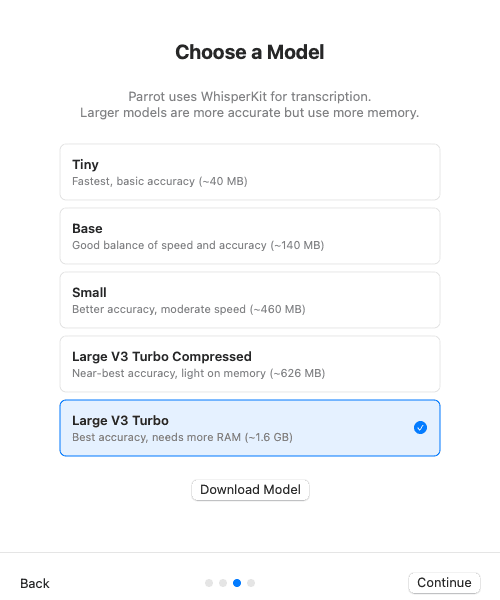
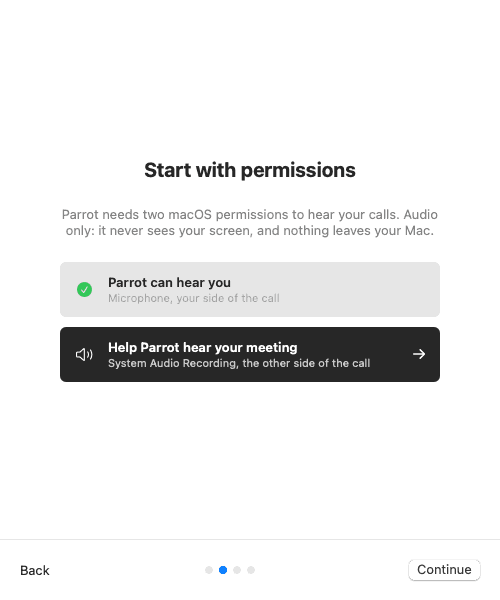
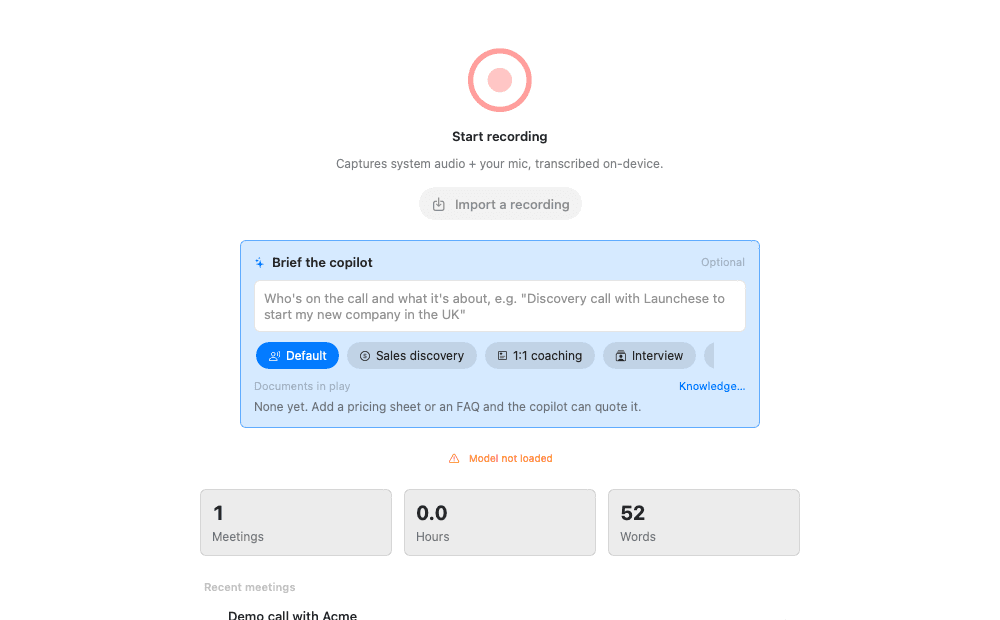
Cluely is the closest thing to Parrot on this list. Both help you during the call, not only after it, and neither sends a bot. The difference is where it runs. Cluely sends your audio, and can send screenshots of your screen, to cloud AI providers. Parrot transcribes on your Mac, answers from your own documents, and can run with no internet at all. Cluely also runs on Windows and iPhone.
Released 24 Sept 2026. 17 MB. macOS 14 or later on Apple Silicon. or build from source
The short answer
Pick Parrot if
you want live help without sending your calls, screen or files anywhere, with no daily limits and code you can read.
Pick Cluely if
you want live help on Windows or iPhone, want it to read your screen or search the web, and are fine with calls going to the cloud.
The big differences
Price
Parrot
YesFree, no account
Cluely
PartlyDaily limits, then from $11.99 a month
Where your audio goes
Parrot
YesStays on your Mac
Cluely
NoCloud AI providers
Help during the call
Parrot
YesAnswers from your documents
Cluely
YesLive answers, in the cloud
What help during the call looks like
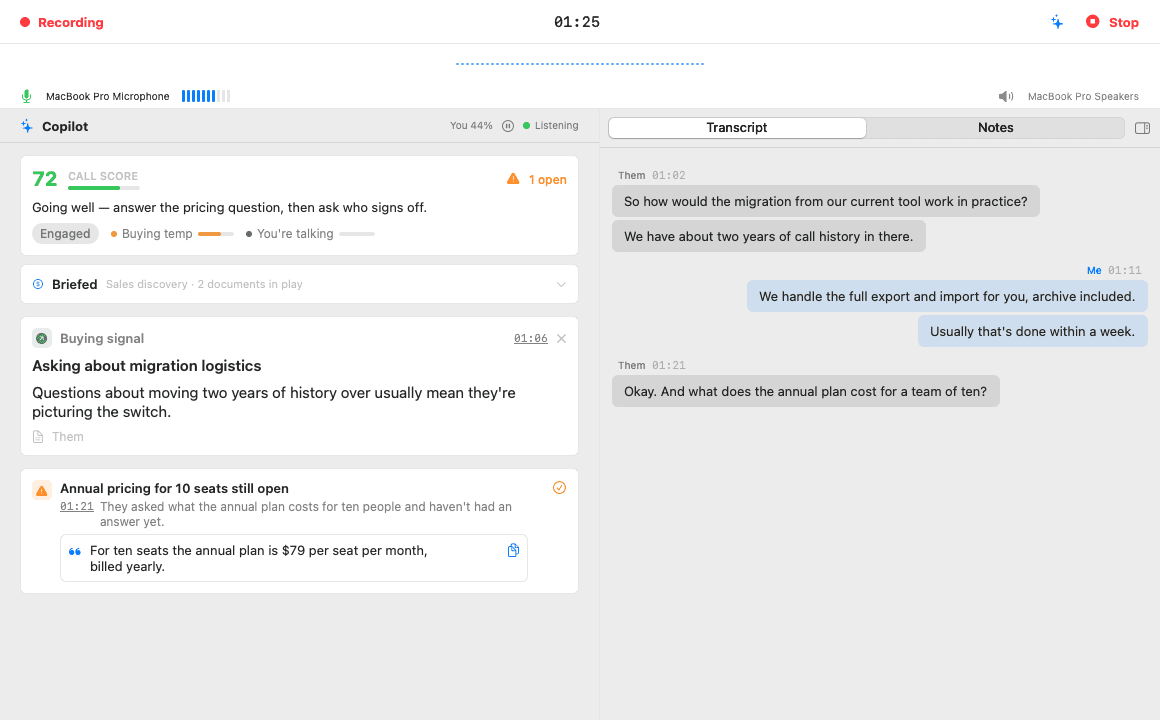
When the other side asks something your documents cover, the answer appears on a card within seconds, with the file it came from. Open questions stay pinned until you answer them, and a one-line coach tells you how the call is going.
Feature by feature
| Feature | Parrot | Cluely |
|---|---|---|
| Privacy | ||
| Bot in the call | YesNo. It records what your Mac plays and hears. | YesNo. It records on your computer. |
| Where your audio goes | YesStays on your Mac. Sent out only if you pick Groq or Deepgram for transcription. | NoTo cloud transcription and AI providers. Recordings, transcripts and screenshots are kept while your account exists. |
| Works offline | YesYes, with Whisper and Ollama. | NoNot listed. Transcription and AI run in the cloud. |
| Open source | YesYes, GPL-3.0. | NoNo. |
| During the call | ||
| Help during the call | YesYes. Answers from your own documents, open questions pinned, a live coach. | YesYes. Live answers and what to say next, from the conversation, your screen and your files. |
| Choice of AI | YesClaude, Ollama, or any OpenAI-compatible server, with your own keys. | NoChosen by Cluely. No local models or your own keys listed. |
| Cost and platforms | ||
| Price | YesFree. No paid plan. Cloud AI with your own key costs a few cents per call hour. | PartlyFree with daily limits. Pro is $11.99 a month billed yearly, or $19.99 monthly. Hiding from screen share costs more. |
| Runs on | PartlyMac only: macOS 14 or later on Apple Silicon. | YesMac, Windows 11 and iPhone. |
Where Cluely is better
- It reads your screen as well as the call, and can search the web mid-call.
- Windows 11 and an iPhone app, with sync between them.
- Nothing to set up: no models to download and no keys.
- It can hide its window when you share your screen, as a paid add-on.
Where Parrot is better
- Your audio stays on your Mac. Cluely sends recordings, transcripts and screenshots to the cloud.
- Free with no daily limits, and open source.
- Works offline with local models, and you pick the AI.
- Every card names its source, your document or general knowledge, so you know what to trust.
- A report after the call that marks each question as handled or missed, with coaching.
Try both on the same call
- 1
Keep Cluely
Nothing to cancel or move. Parrot works on its own, next to what you already use.
- 2
Hit record in Parrot on your next call
It records what your Mac hears, so both can record the same call.
- 3
Compare afterwards
Read both sets of notes and keep whichever helped more. Parrot costs nothing to try or to keep.
Questions
- Can I use Parrot and Cluely together?
- Yes. They don't touch each other, and Parrot never joins the call, so it adds nothing the other people can see.
- Why is Parrot free?
- It started as Uygar's own tool for client calls and is open source under GPL-3.0. There are no servers to pay for, because it all runs on your Mac. If you use cloud AI, you pay that provider directly with your own key, usually a few cents per call hour.
- Can I bring my Cluely recordings?
- If you have the audio as a file, yes. Drop it on Parrot and it's transcribed, split by speaker and summarised like a live call. Notes you wrote in Cluely stay there.
- Is Parrot on Windows or iPhone?
- No. Parrot is Mac only: macOS 14 or later on Apple Silicon. If you need another platform, Cluely is the better pick.
Sources, checked 24 September 2026
Checked on 24 September 2026 against their own pages. Prices and features change, so check before you buy. If something here is out of date, email me and I'll fix it.