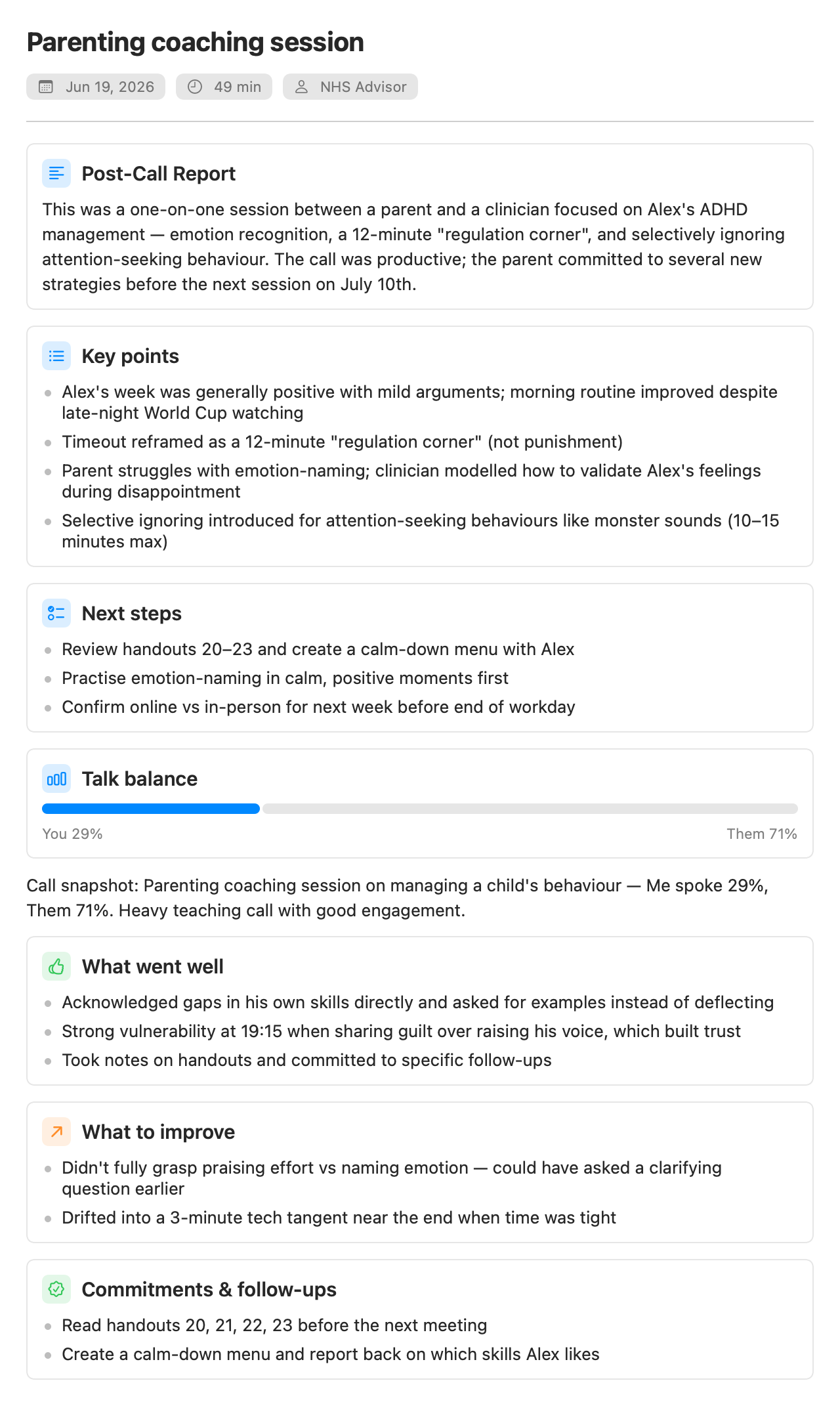
When a recording stops (and the Copilot is set up), Parrot writes a report in the background: an overview of the call, pain points, key points and next steps, plus a coaching section that looks at how you did: talk balance, what went well, what to try next time, and which objections came up and whether they got handled. The insights the Copilot raised live also land in the meeting, so nothing from the call evaporates.
Reports run happily on a local model since nobody is waiting on them. A few minutes on a slow model is fine; it appears when it's ready.
Every meeting shows what its AI actually cost, broken down: live cards, reports, transcription. Local models show $0.00, because that's what they cost. The numbers come from real token counts, not estimates, so you always know what a meeting's help was worth.
Export a meeting from the File menu, the toolbar, or by right-clicking it in the sidebar. Export Transcript (TXT) (⌘E) writes one plain-text file with your notes, the summary, the coaching, the Copilot's cards and the full transcript. Export Subtitles (SRT) gives you a subtitle file with timestamps. Both land in your Downloads folder.